Most app demos look great because developers build for the happy path - fast internet, existing data, and perfect user input. Real life is messier. A user loses cell service mid-transaction, searches for a product you do not stock, or opens a new account with zero saved records. Every dynamic component in your application needs to handle four core UI states to keep people from feeling lost or frustrated.
#1: Loading State
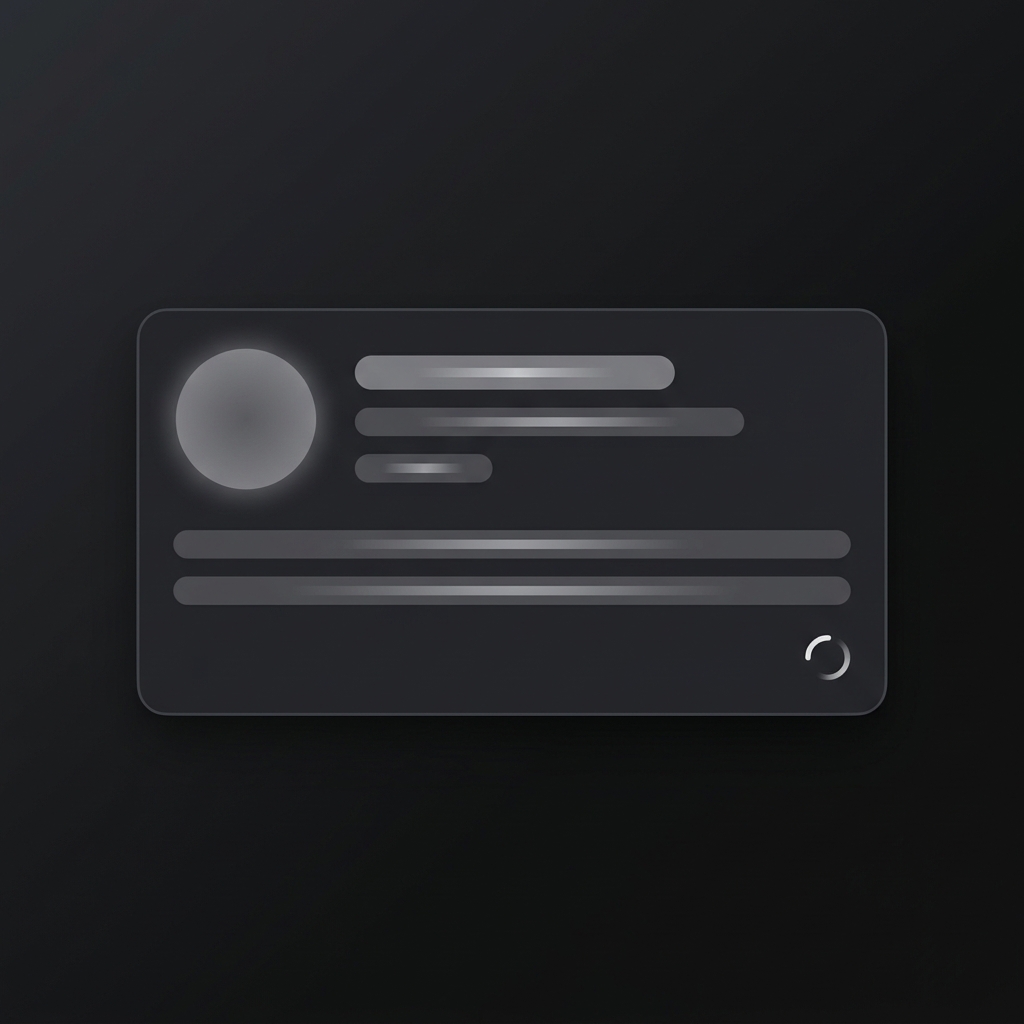
Use a loading state whenever an async operation takes more than 300 milliseconds, such as fetching dashboard data or processing a form submission. Instead of leaving a blank container or using a full-screen spinner that causes layout shifts, use skeleton shimmer screens that match the final content structure. Always disable submit buttons immediately upon click to prevent double charges - or if you want to get fancy, add a progress bar for long file uploads.
#2: Success State
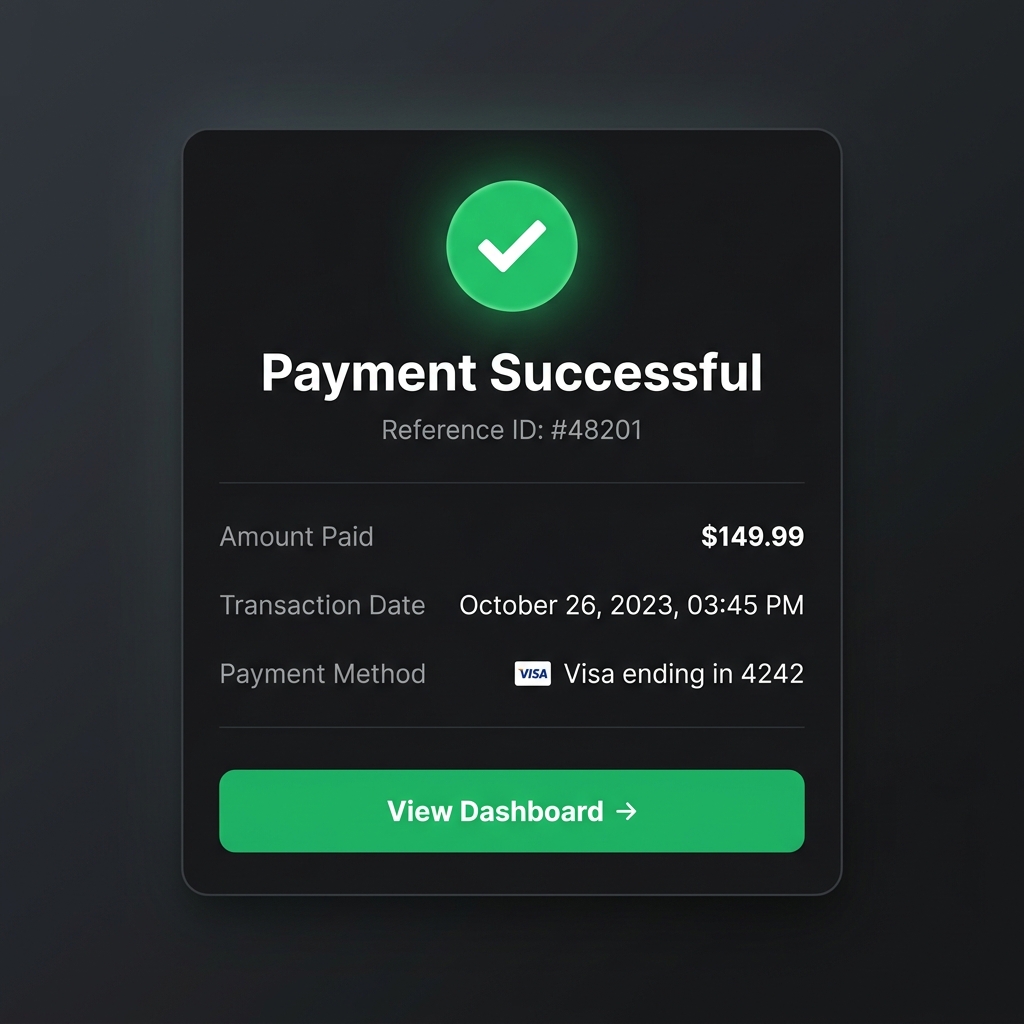
Use a success state immediately after a transactional or destructive action completes, like submitting a payment or updating account credentials. Clear visual feedback reassures the user that their data landed safely so they do not hit the back button or re-submit. Display a distinct green checkmark badge alongside key confirmation details - like a reference ID or receipt summary - and provide a prominent CTA leading to their next step.
#3: Empty State
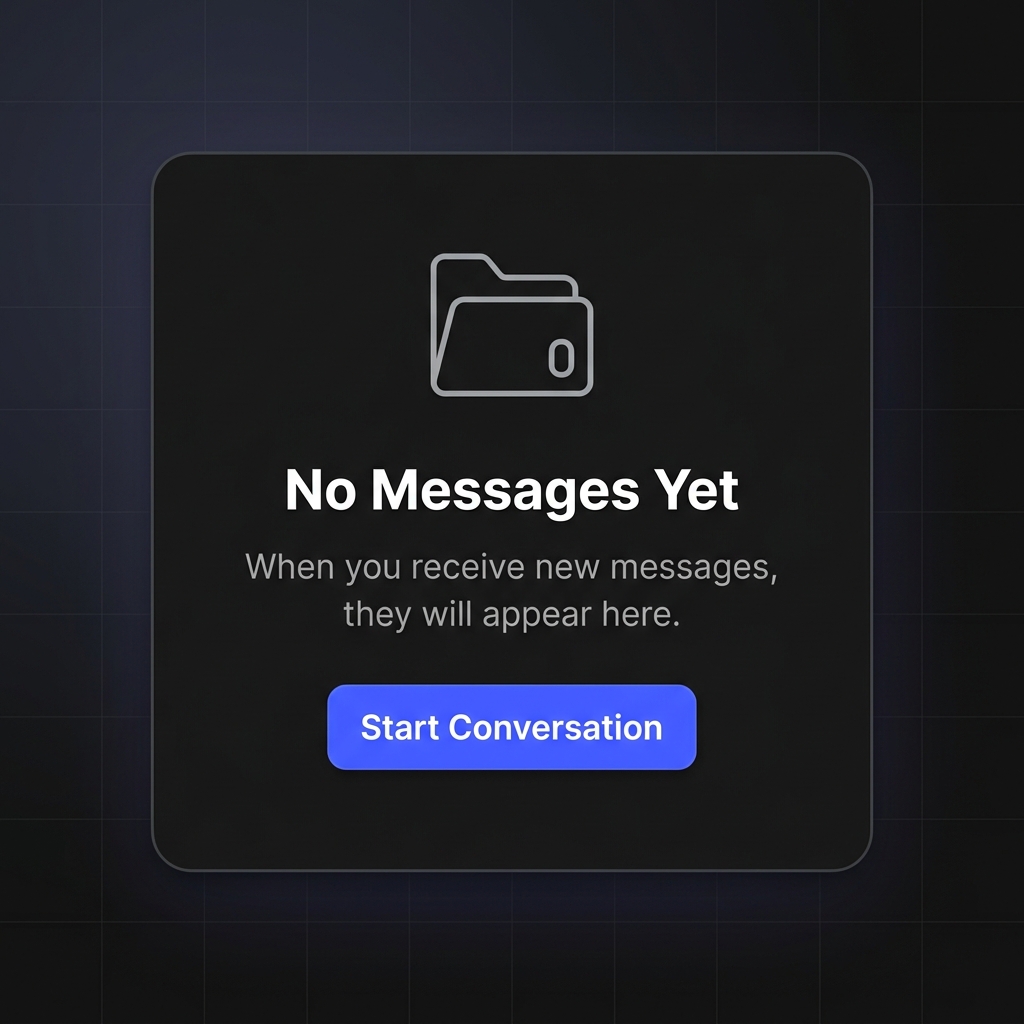
Use an empty state when a screen or table has no data to show, such as a new user inbox or a filter query returning zero matches. Leaving a plain white screen makes users wonder if the application crashed or if their network dropped. Explain why the space is empty in plain words, keep the tone helpful, and provide a clear call-to-action button like "Start Conversation" or "Clear Filters" to give them a path forward.
#4: Error State
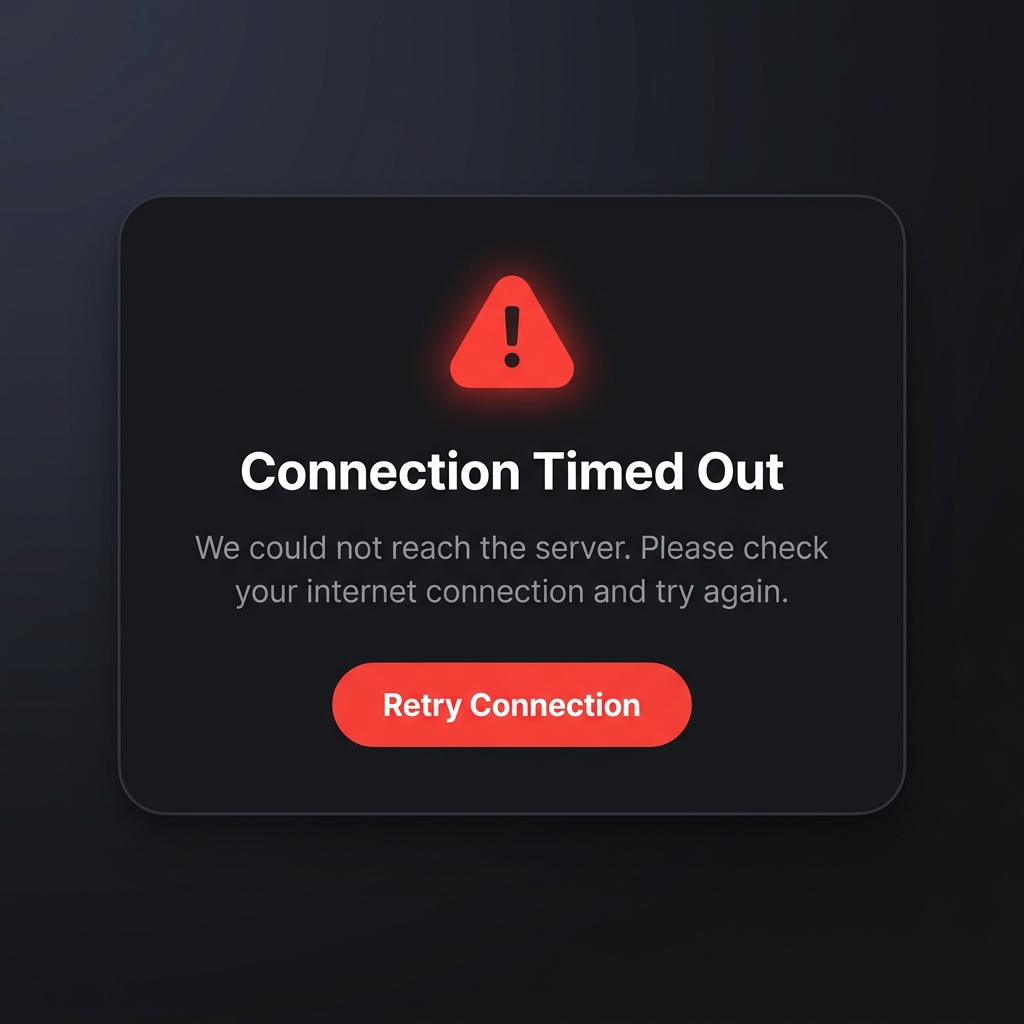
Use an error state whenever a request fails due to network dropouts, 500 server crashes, or bad input. Cryptic codes like "ERR_502_BAD_GATEWAY" create panic and unnecessary support tickets. Show a clear warning icon, explain what happened without technical jargon, confirm that user data is safe, and give them a single-click recovery button like "Retry Connection" so they can resolve the issue right away.